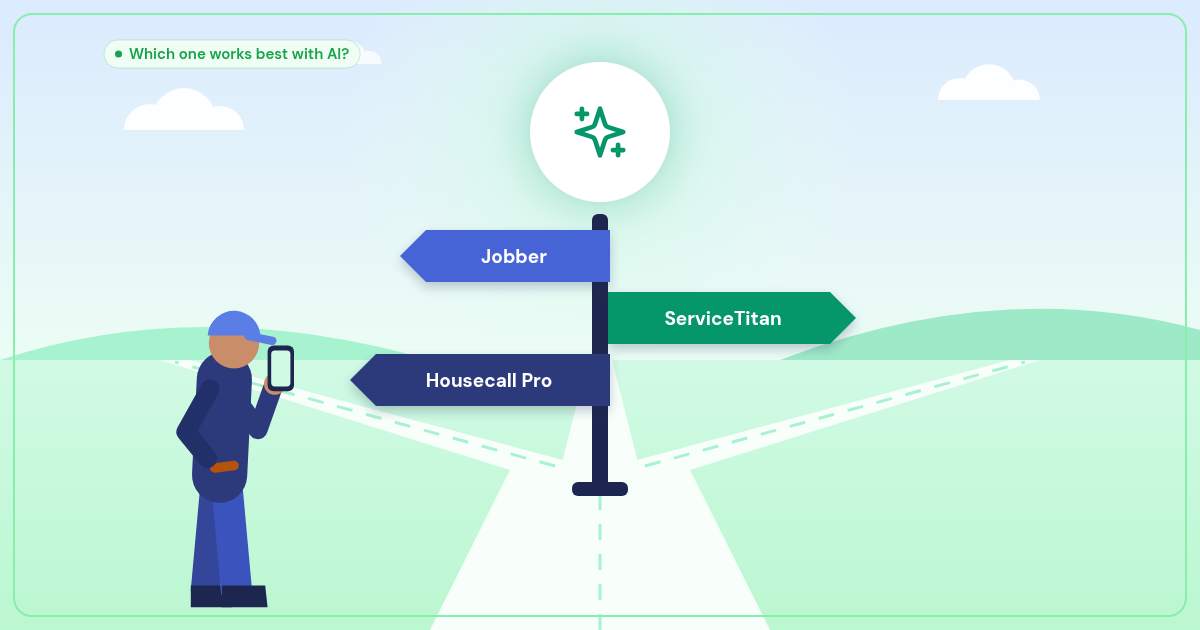
The Big Three Field Service Platforms: How They Handle AI Integration
I've spent the last year building AI phone systems for service businesses, and here's what I've learned: your choice of field service management platform matters way more when you add AI to the mix.
Most plumbers and HVAC techs pick their CRM based on features and pricing. Fair enough. But if you're thinking about adding an AI receptionist that can book jobs and dispatch calls automatically, the quality of each platform's API becomes critical.
Let me break down how ServiceTitan, Jobber, and Housecall Pro stack up when it comes to AI integration — and which one makes building automations like Radar easiest.
ServiceTitan: The Enterprise Heavyweight
ServiceTitan is built for larger operations, and it shows in their API. It's comprehensive, well-documented, and handles complex workflows that would break other platforms.
What ServiceTitan Does Best
- Robust API architecture — Real-time job creation, customer lookups, technician dispatch, and inventory management all work smoothly
- Advanced scheduling logic — Their API can handle complex routing, skill-based dispatch, and multi-day jobs
- Deep customization — Custom fields, business rules, and workflow automation integrate well with external AI systems
- Webhook support — ServiceTitan can push updates to external systems when jobs change status
When I'm building Radar integrations, ServiceTitan rarely surprises me. Their endpoints are predictable, error handling is solid, and rate limits are reasonable for real-time phone automation.
The Downside
ServiceTitan's complexity is also its weakness. Setting up API access requires their support team, and the learning curve is steep. For a solo plumber, it's like buying a freight truck to haul your toolbox.
Plus, ServiceTitan's pricing starts around $200/month per technician. Add Radar at $149/month, and you're looking at serious monthly expenses.
Jobber: The Sweet Spot for Small Teams
Jobber hits the goldilocks zone — sophisticated enough for real automation, simple enough that you won't need a computer science degree to use it.
Where Jobber Shines
- Clean, developer-friendly API — RESTful design with clear documentation and good examples
- Fast job creation — Radar can create a new job in Jobber in under 2 seconds from a phone call
- Smart client matching — The API handles duplicate detection well, so repeat customers don't create chaos
- Mobile-first design — Technicians get instant notifications when Radar books emergency calls
I've built more Radar integrations with Jobber than any other platform. Their API just works, and when something breaks, their support team actually understands technical issues.
Jobber's Limitations
Jobber's simplicity means fewer customization options. If your business has complex pricing rules or multi-step approval workflows, you'll hit walls. And their webhook system is basic — you might need to poll their API for job updates instead of getting real-time pushes.
Housecall Pro: Simple But Effective
Housecall Pro targets smaller service businesses with a focus on ease of use. Their API reflects this philosophy — it does the basics well without overwhelming you with options.
Housecall Pro's Strengths
- Straightforward integration — Getting API access takes minutes, not days
- Good mobile experience — When Radar books a job, technicians see it instantly on their phones
- Solid customer management — Easy to look up call history and previous jobs during live calls
- Payment integration — The API connects well with Stripe for automated invoicing
Where It Falls Short
Housecall Pro's API is basic compared to ServiceTitan or Jobber. Limited webhook support means less real-time automation. And their scheduling API can't handle complex routing or skill-based dispatch — fine for small teams, limiting for growing businesses.
How Radar Enhances Each Platform
Here's the thing: Radar is platform-agnostic by design. I didn't want to lock anyone into a specific CRM just to get AI phone automation.
With ServiceTitan + Radar
You get enterprise-grade automation. Radar can create jobs, dispatch emergency calls, update customer records, and trigger complex workflows — all from a single phone call. Perfect for larger operations that need sophisticated routing.
With Jobber + Radar
This is my most popular combination. Jobber handles job management beautifully, while Radar eliminates missed calls and manual booking. The integration is seamless, setup is straightforward, and costs stay reasonable.
With Housecall Pro + Radar
Great for smaller teams that want AI automation without complexity. Radar handles all the phone work, pushes jobs to Housecall Pro, and everyone stays on the same page.
"The best field service platform is the one your team actually uses. Radar works with whatever you've already chosen."
The Radar Advantage: Copilot Mode
Here's where things get interesting. Most AI phone systems force you to choose: human receptionist OR AI automation. Radar offers both.
Full AI Mode ($149/month) handles everything automatically — perfect if you're working solo or don't have office staff.
Copilot Mode keeps your human receptionist on calls while Radar works behind the scenes. The AI extracts customer info, looks up service history, prepares job details, and queues up all your integrations. After the call, your receptionist reviews everything and clicks "Confirm & Execute" — one button fires the ServiceTitan job, Slack alert, calendar booking, and SMS dispatch.
Result: your receptionist handles twice as many calls because they're not doing data entry. And nothing falls through the cracks.
What If You Don't Use Any of These?
Not every service business needs a full CRM. If you're running lean with just Google Calendar and QuickBooks, that's totally fine. Radar integrates with both.
Or if you want something built specifically for AI integration, check out Taskline — our job management platform designed from the ground up to work with AI phone systems. Taskline users get their Radar setup fee waived, and everything just works together.
The Bottom Line
ServiceTitan, Jobber, and Housecall Pro are all solid platforms. Your choice should depend on your business size, complexity, and budget — not just AI integration.
But when you're ready to add an AI receptionist that never misses a call, books jobs automatically, and dispatches emergencies 24/7, the quality of your platform's API matters. A lot.
Want to see how Radar works with your existing setup? Let's talk. I'll show you exactly how the integration works, and we can get your AI receptionist trained and running in under a week.