Why I Automated My Own Blog
I've been building AI automation systems for service businesses for months now, but my own blog? Dead silent. Classic cobbler's children situation.
The problem wasn't lack of ideas. Every client call, every build session, every debugging nightmare gives me something worth sharing. The problem was sitting down to actually write. So I did what any reasonable developer would do: I automated the entire process.
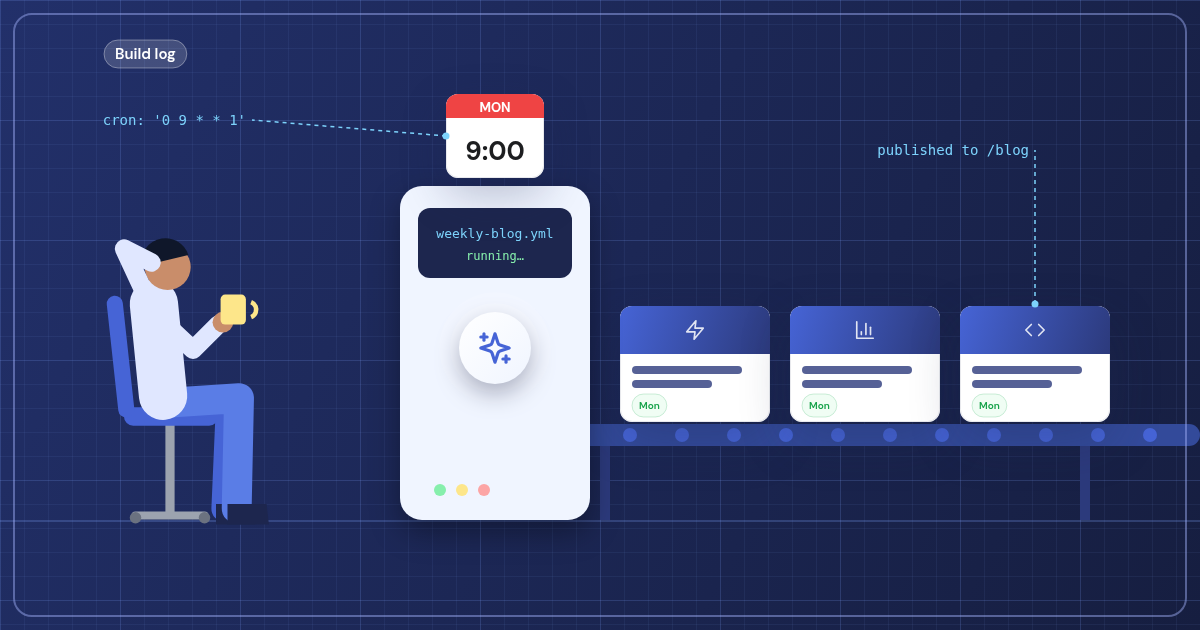
Now my blog publishes a new post every Tuesday at 9 AM, without me touching a keyboard. Here's how I built it.
The Architecture
The system has four main pieces:
- A topics queue stored as JSON in my repo
- A Node.js script that calls Claude API to generate posts
- GitHub Actions running on a cron schedule
- Vercel automatically deploying when new posts hit main
Simple, reliable, and it runs itself. Let me walk through each part.
The Topics Queue System
I keep a topics-queue.json file in my repo that looks like this:
"Why I Switched from Zapier to n8n for Client Automations" came from a client who was paying $300/month for Zapier workflows that I rebuilt in n8n for free.
Each topic includes the title, a summary, some context about where the idea came from, and a priority level. The context is crucial—it gives Claude the real-world background that makes posts feel authentic instead of generic.
When I'm on a client call and they mention a pain point I've solved before, I add it to the queue. When I'm debugging something tricky and find a good solution, it goes in the queue. When I discover a new tool or technique, queue.
The topics come from real problems I'm actually solving. That's what keeps this blog grounded instead of turning into AI-generated fluff.
The Generation Script
My generate-post.js script does the heavy lifting:
- Pulls the highest priority topic from the queue
- Sends a detailed prompt to Claude API with my writing style, technical preferences, and the topic context
- Generates the full blog post HTML
- Creates a new file in my
posts/directory - Updates the topics queue to remove the used topic
- Commits and pushes the changes
The prompt engineering was the trickiest part. I had to be really specific about my voice, the technical tools I use, and the kinds of examples that would resonate with my audience. After a few iterations, Claude started generating posts that actually sound like me.
I also include information about Solvr Labs, my tech stack (n8n, Supabase, Next.js, etc.), and my target audience of service business owners. The more context I give Claude, the better the output.
GitHub Actions Cron Job
Every Tuesday at 9 AM EST, GitHub Actions runs my workflow:
- Checks out the repo
- Sets up Node.js
- Installs dependencies
- Runs the generation script
- Pushes any new content
The workflow only creates a post if there are topics in the queue. If I forget to add new topics, it just skips the week instead of generating random content.
I love that it runs whether I'm heads-down on client work, taking a vacation, or completely forgot what day it is. Consistency without the mental overhead.
Vercel Auto-Deploy
Since my blog is built with Next.js and hosted on Vercel, every push to main triggers an automatic deployment. The GitHub Action pushes the new post, Vercel rebuilds the site, and the post goes live—all without any manual intervention.
The entire pipeline from topic selection to live post takes about 2 minutes. Most of that is Claude thinking and Vercel building.
What Works Really Well
This system has been running for two months now, and I'm genuinely impressed with the results:
- Consistency: New post every Tuesday, no exceptions
- Quality: Claude nails my writing style better than I expected
- Relevance: Since topics come from real client work, posts are practical and useful
- Zero maintenance: I just keep adding topics to the queue when inspiration strikes
The posts feel authentic because the underlying experiences and insights are real. Claude is just helping me articulate them consistently.
The Limitations
It's not perfect. Here's what doesn't work:
Claude sometimes gets technical details slightly wrong. I've had to add more specific examples to my prompts to reduce these errors. It's also not great at the kind of deep, personal reflection that makes the best developer writing—but honestly, I wasn't doing much of that anyway.
The system only works because I'm actively feeding it real topics from real work. If I stopped adding to the queue, it would just stop posting. It's automation, not magic content creation.
And sometimes Claude gets a bit too enthusiastic with the marketing speak, even when I explicitly tell it not to. I'm still tweaking the prompts to minimize this.
Why This Matters
This isn't just about blogging. It's about using AI to handle the parts of business that are important but tedious. Content consistency, documentation, client communication—all areas where automation can free you up to focus on the actual building.
I'm applying similar approaches with my clients. Property managers who need consistent tenant communication, plumbers who want automated follow-up sequences, landscapers who need weekly service reports. Same principle: identify the repetitive but valuable tasks, then build systems that handle them reliably.
The key is starting with real content, real problems, and real solutions. The AI handles the execution, not the strategy.
Want to build something similar for your business? I'd love to help you figure out what automation could free up your time for the work that actually moves the needle. Let's talk about what that could look like.