The Problem with "Good Enough" AI Receptionists
I've been building AI phone systems for service businesses for two years now, and I see the same pattern over and over: someone calls me after trying Goodcall or another AI receptionist, frustrated because it captures leads but doesn't actually do anything with them.
"The AI answers the phone great," one HVAC contractor told me last month. "But then what? I still have to manually create jobs in ServiceTitan, still have to remember to text my on-call guy about the emergency call at midnight."
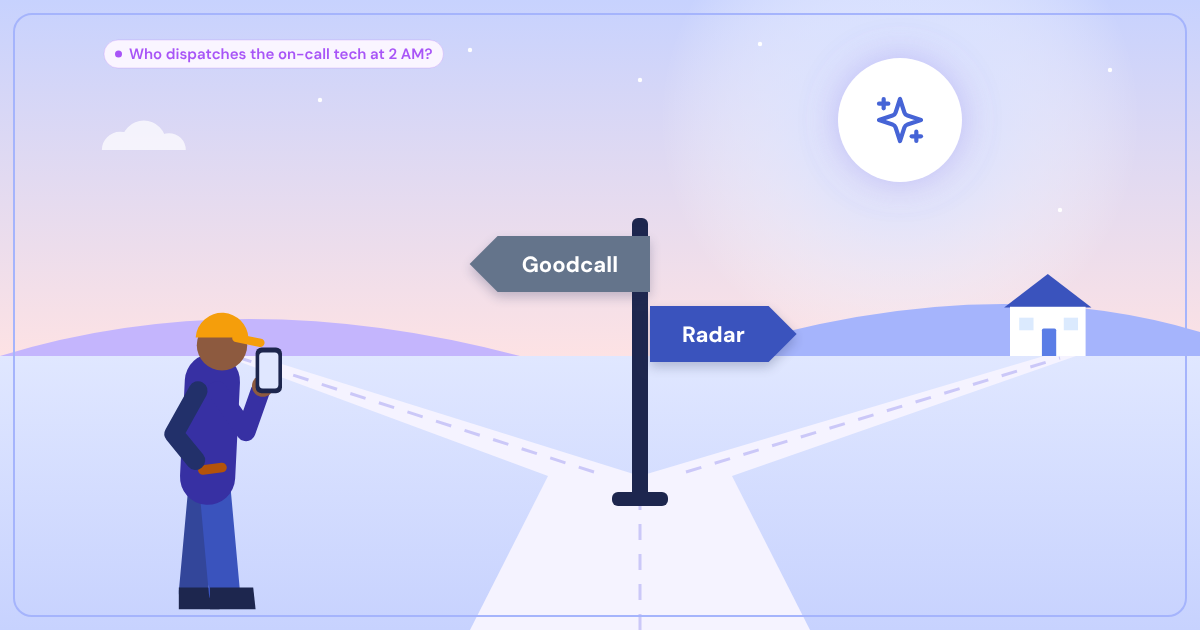
That's the gap between lead capture and job dispatch. Goodcall is solid at the first part. Radar was built specifically for the second.
What Goodcall Does Well
Let me be clear: Goodcall isn't bad. They've built a decent AI phone agent that can handle basic customer service for a wide range of businesses. Their strength is simplicity — you can get up and running quickly if you need something that answers calls and takes messages.
Goodcall handles:
- Basic call answering and information collection
- Simple appointment scheduling
- FAQ responses
- Lead capture for follow-up
For a retail shop or basic service business, that might be enough. But here's where it falls short for tradespeople.
Where Goodcall Hits the Wall
Last week I helped a plumbing company migrate from Goodcall to Radar. Their biggest frustration? Emergency dispatch. When someone calls at 2 AM with a burst pipe, Goodcall would politely take their information and... that's it. No automatic dispatch to the on-call plumber, no ServiceTitan job creation, no team notification in Slack.
The plumber still had to:
- Check the Goodcall dashboard in the morning
- Manually create jobs in their field service software
- Remember which calls were actual emergencies
- Figure out who was on-call when the emergency came in
That's not dispatch — that's expensive lead capture.
Integration Depth Matters
Goodcall offers basic calendar integration, but service businesses need more. When I build Radar integrations, I'm connecting to:
ServiceTitan,Jobber, andHousecall Projob creation- Emergency dispatch workflows that automatically text the on-call tech
DiscordandSlackteam notifications with job detailsQuickBooksfor automatic estimate creation- Custom scheduling rules (different availability for different service types)
These aren't just "integrations" — they're complete workflows. When Radar books a water heater replacement, it creates the job with the right service category, assigns it based on technician specialization and location, sends the customer a confirmation text with the tech's photo and ETA, and notifies the parts department to pull inventory.
That's the difference between answering phones and actually running dispatch.
Customization: Your Business, Not a Template
Here's something most AI receptionist platforms miss: your business isn't generic. A high-end electrical contractor charges differently than a handyman. An emergency plumber needs different triage questions than a scheduled maintenance company.
When I set up Radar, each client gets:
- Custom training on their specific services and pricing
- Geographic service area boundaries (Radar won't book jobs outside your coverage zone)
- Business-specific availability rules
- Their own named AI receptionist (clients choose names like "Emma" or "Sarah")
- Industry-specific emergency protocols
That last point is huge. When someone calls your electrical company, they're not talking to "Goodcall's AI" — they're talking to Sarah, your new receptionist who knows your pricing, your service area, and exactly when to wake up your on-call electrician.
Emergency Handling That Actually Works
I built Radar's emergency detection using Claude AI trained on thousands of real service calls. It doesn't just flag keywords — it understands context. "My water heater is making noise" gets scheduled for next-day service. "My basement is flooding" triggers immediate dispatch.
The emergency workflow:
- Radar identifies the emergency and gathers critical details
- Automatically determines which tech is on-call
- Sends immediate SMS with caller info and urgency level
- Creates the emergency job in your field service software
- Follows up with the customer on ETA
- Logs everything for billing and follow-up
All of this happens while your customer is still on the phone. By the time they hang up, your on-call tech is already getting dressed.
The Copilot Mode Advantage
Here's something no other AI receptionist offers: choice in how much automation you want.
Full AI mode ($149/mo) handles everything autonomously — perfect for solo operators who can't afford to miss calls. But some businesses want to keep a human receptionist while eliminating all the manual work.
That's where Radar's Copilot Mode comes in. Your receptionist stays on the phone, but Radar works behind the scenes:
- Extracts caller information in real-time
- Surfaces answers when customers ask about pricing or availability
- Suggests what to ask next
- Queues up job creation, scheduling, and team notifications
- After the call: one click executes everything
Your receptionist handles twice as many calls because they're not doing data entry — just having conversations.
Peak Season Performance
Every HVAC contractor knows the pain: 90-degree day, everyone's AC breaks, phones ring nonstop. Traditional answering services put people on hold. Single-threaded AI systems do the same thing.
Radar handles simultaneous calls. When three people call during a heat wave, three separate instances of your AI receptionist (let's say "Emma") handle all three calls at once. No hold times, no missed opportunities, no frustrated customers hanging up.
I built this using Twilio's programmable voice platform and ElevenLabs for natural-sounding AI voices. The infrastructure scales automatically — whether you get 5 calls or 50 calls in an hour, everyone gets answered immediately.
Pricing That Makes Sense
Goodcall typically runs $200-300/month depending on call volume. Radar's full AI mode is $149/month flat rate — unlimited calls, unlimited integrations, unlimited support from actual engineers (not a ticket queue).
But here's the real comparison: a full-time receptionist costs $3-5K per month and can't work nights, weekends, or holidays. An answering service runs $3-8 per minute and still requires you to do all the manual job creation.
Radar pays for itself with the first emergency call it dispatches while you're sleeping.
Ready to Upgrade Your Dispatch?
If you're tired of AI that just takes messages instead of actually managing your business, let's talk. I'm not building generic phone bots — I'm building dispatch systems for real service businesses.
Get in touch and I'll show you exactly how Radar would work for your business. No generic demo — we'll map out your specific workflows, integrations, and emergency protocols.
Because when someone's basement is flooding at 2 AM, "good enough" isn't good enough.