Your customers just told you who they want on the phone
A few weeks ago The ACHR NEWS published a survey that every shop owner thinking about AI should read. They asked 782 homeowners which AI uses they'd be comfortable with. Only 36% were OK with AI scheduling appointments or answering basic questions. 24% weren't comfortable with any of the uses on the list. The top worry, at 36%, was losing human judgment and expertise (The ACHR NEWS).
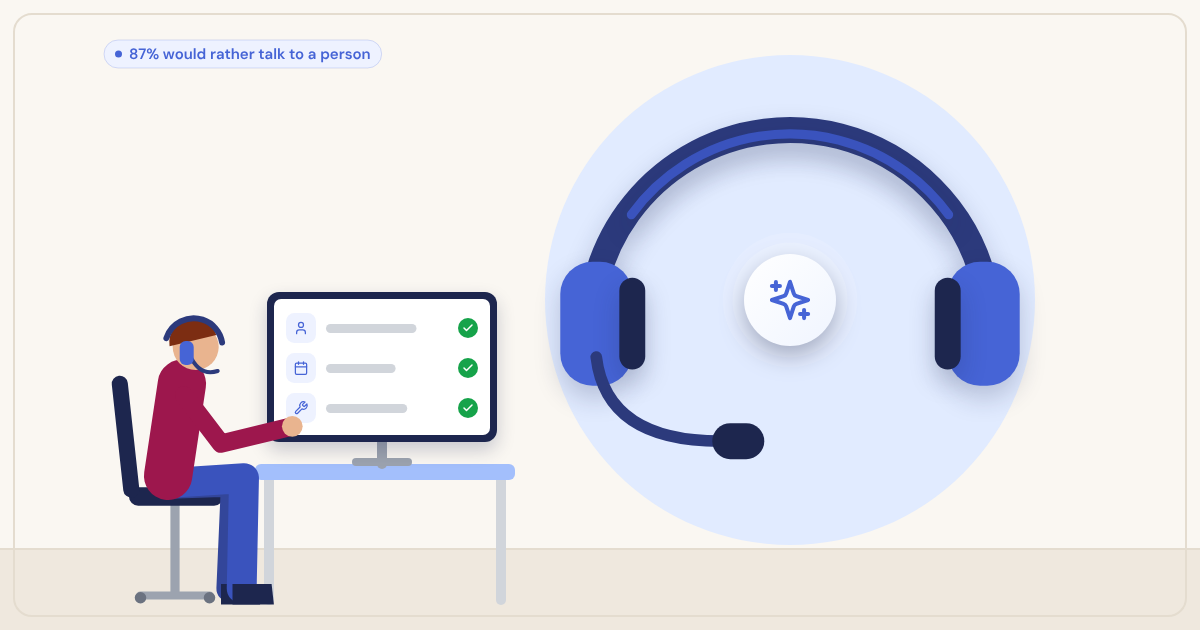
Another survey this summer went further. 87% of 6,000 adults said they'd rather talk to a real person than an AI when they contact a local home service, and 62% don't trust AI to take the right action in an emergency (C&R Magazine). That one was paid for by a live answering service, so take the exact number with some salt. But it points the same way as the ACHR data.
I build AI phone systems for a living, so you might expect me to argue with this. I'm not going to. I think the customers are mostly right. Where I think owners go wrong is the conclusion they draw from it.
The problem: you can't hire the humans
Here's the other half of the picture. In NFIB's October survey, 36% of small business owners had job openings they couldn't fill, up 4 points in a month. 48% of all owners said they got few or no qualified applicants, which is 86% of the ones actually trying to hire. A quarter of owners called labor quality their single biggest problem (NFIB Jobs Report, NFIB Small Business Economic Trends).
Contractors feel it too. ServiceTitan's 2026 Residential State of the Trades report, built on 1,000 contractors, found labor and overhead costs and the skilled labor shortage at the top of the risk list. 74% called AI an "efficiency engine," but only 25% were using it (Electrical Contractor), and nearly half said they don't trust it (HousingWire).
So customers want a person, and you can't find enough people. If you go all-human, the phone rings out when your one office person is at lunch, on another call, or home for Thanksgiving. If you go all-AI, you're ignoring what most of your customers just said out loud. Neither is the answer.
What the shops getting this right actually do
Superior Plumbing: people first, AI as backup
Superior Plumbing has been in the Atlanta area for 40 years. Last fall they added ServiceTitan's AI virtual agent, which their team named Piper. Their CRM specialist said the goal was for the CSRs to see it "as a force multiplier and not their replacement." Customers who need a person still get one. According to ServiceTitan's write-up, the agent booked 80% of calls when it answered first, with 30% escalated to staff, and 70% when it was the fallback (ServiceTitan).
The part I like best is where they used it. During a cold spell, they closed early and sent a CSR home, and the agent took five leads in two hours and converted four. On Thanksgiving and Christmas, no CSR had to work for the first time in 40 years, with a manager on call for escalations. That's AI covering the hours nobody wants to staff, not AI replacing the people customers like talking to.
Southern Home Services: offer both and let the customer pick
Southern Home Services runs about 26 brands across the South. Calls go to the local branch first, roll over to a central call center when the branch is busy, and AI voice agents pick up the overflow and after-hours calls. They reported a nearly 13% year-over-year increase in their call booking rate (ServiceTitan). Jarrod Brinker of Southern Home Services told The ACHR NEWS: "Our job is to offer both options and let the customer decide how they want to engage with us."
Both of these are vendor case studies, so they're the best-case version. And both are bigger than most of the shops I work with. But the pattern scales down fine: a person answers when a person can, and AI catches what would otherwise go to voicemail.
What's real and what's still hype
Real: AI can answer, book and dispatch on its own, and it does well on routine calls like scheduling a tune-up or answering "do you service my area?" It can also work quietly next to a human on a live call, pulling out the details and doing the data entry. That second use gets a lot less attention, and I think it's the one most small shops should start with.
Still hard: the judgment calls. The ACHR survey's top homeowner worry was losing human expertise, and 62% in the other survey don't trust AI in an emergency. A good system knows when to hand off. 61% of people say they get frustrated explaining their problem to an AI before getting transferred to a human (C&R Magazine), so the handoff has to carry the details over. And 85% in that survey say businesses should clearly disclose when you're talking to AI, which is worth thinking about when you set up your greeting.
Hype: that you can switch a bot on, fire the office, and customers won't notice. They notice. The ACHR contractors who use AI were split too: 36% saw better efficiency, but 23% saw no noticeable impact at all.
Where Solvr Labs fits
This is the exact problem I built Radar around, and it has two modes for a reason.
If you have a person on the phone: Copilot mode
Your receptionist answers and has the conversation. Radar listens in the background and pulls out the name, address, service type and urgency as the caller talks. It shows answers from your own knowledge base when someone asks about pricing or availability, and it tracks what's still missing ("ask about preferred time"). When the call ends, your receptionist reviews it, fixes anything that's off, and clicks Confirm & Execute. That one click books the calendar, creates the job in ServiceTitan, Jobber or Housecall Pro, and alerts your team. The customer gets the human they asked for. Your person skips the typing. Copilot runs at about half the cost of full AI mode.
For the hours nobody can cover: Full AI mode
You don't have to hand Radar every call. You can set it to answer only when you're unavailable: after hours, while you're on a job, or when the line is busy. That's the Superior Plumbing pattern on a small-shop budget. It answers in under 2 seconds, handles several calls at once, books the job into your software, and sends emergency alerts to you by SMS, Discord or webhook, with live transfer to your team for the urgent ones. Full AI mode starts at $149/month plus a one-time setup fee, no contracts, and most businesses are live in 3 to 5 business days. Thanksgiving is November 26, so there's still time if you start this week.
Not sure where the gap is
Sometimes the phone isn't the leak. It's the estimate nobody followed up on or the web form that sat overnight. That's what the free operations assessment is for. It's a 30 to 45 minute call, and you get a written report within 48 hours with three to five specific places you're losing time or money. If the fix is a workflow automation instead of a phone system, I'll tell you.
What to do this week
- Count what's falling through. Pull last month's missed and after-hours calls from your phone provider. That's the slice AI should cover first.
- Keep your best people on the calls that need judgment. Emergencies, upset customers, big-ticket estimates.
- Decide your handoff rules before you turn anything on. What gets transferred live, who's on call, and what gets texted to whom.
- Plan the holidays now. Write down who answers on Thanksgiving, the day after, and Christmas Eve. If the answer is "voicemail," fix that first.
- Give customers the choice. If someone wants a person, make it easy to get one.
If you want help figuring out the right mix for your shop, book the free operations assessment. Or if you already know it's the phone, see how Radar's two modes work.
Sources
- 36% of Homeowners Draw the Line at AI Replacing HVAC Expertise, The ACHR NEWS, Oct 20, 2026
- 87% of Customers Prefer Humans Over AI, Survey Finds, C&R Magazine, Jun 16, 2026
- NFIB October 2026 Jobs Report, NFIB, Nov 2026
- Small Business Economic Trends, October 2026, NFIB, Nov 2026
- A.I. Adoption Among Residential Contractors Lags Despite Perceived Benefits, Electrical Contractor, May 4, 2026
- Residential contractors remain AI-skeptical early on, report finds, HousingWire, Apr 7, 2026
- How ServiceTitan's AI Virtual Agent Has Streamlined Superior Plumbing's Call Center, ServiceTitan, Feb 2, 2026
- Southern Home Services Boosts Call Booking Rates by 13% with ServiceTitan Contact Center Pro, ServiceTitan, Aug 6, 2025